01 · CAST & WAIT
Cast, then wait.
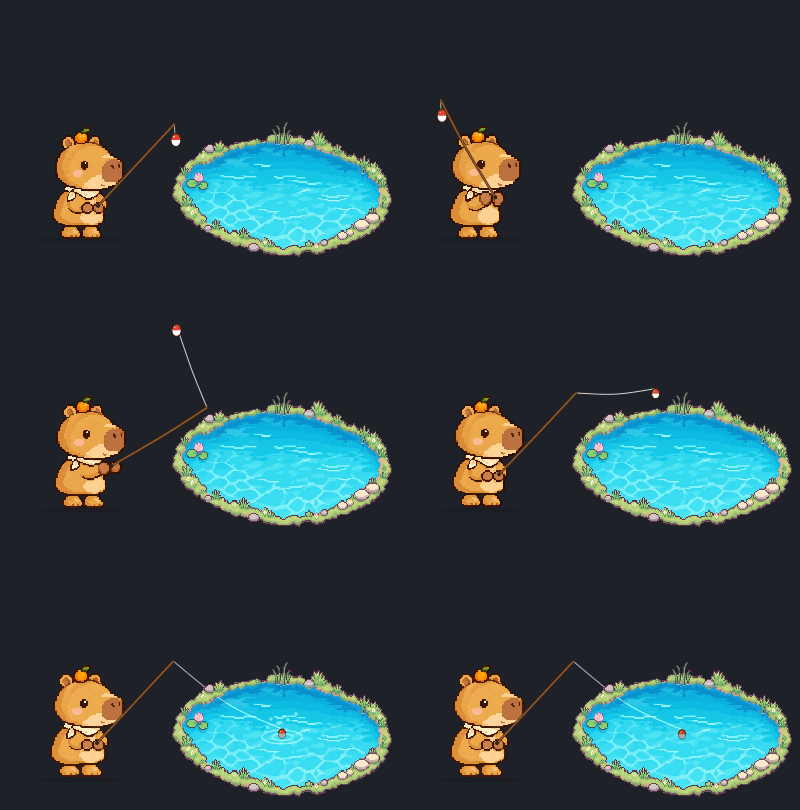
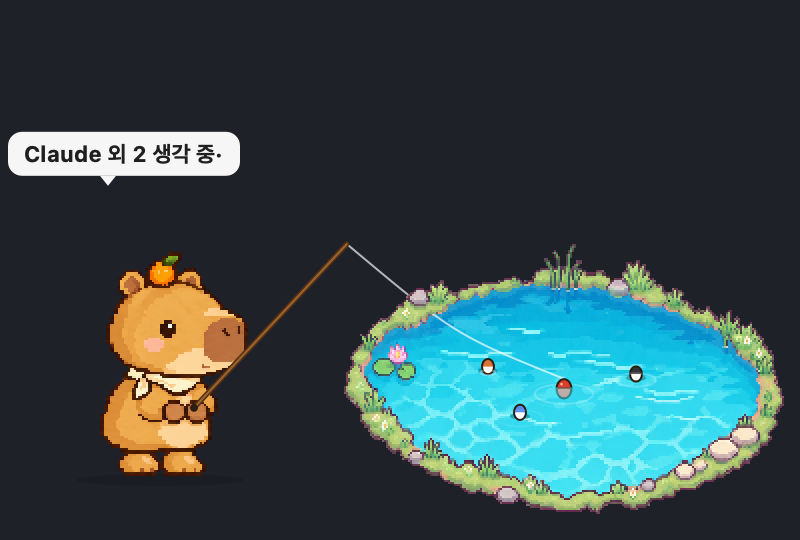
Once the bobber touches the water, an 8–18 second wait begins. Just before a bite, a shadow drifts toward it underwater.
 Capybobber
MAC DESKTOP PET · FISHING
A macOS pet that fishes leisurely in the corner of your desktop. When Claude Code or Codex finishes a task, it reels in a message bottle.
Browser demo. The real app floats transparently on your desktop.
Buy$4.90 · one-time · updates included
01 · CAST & WAIT
Once the bobber touches the water, an 8–18 second wait begins. Just before a bite, a shadow drifts toward it underwater.
02 · AUTO / SEMI
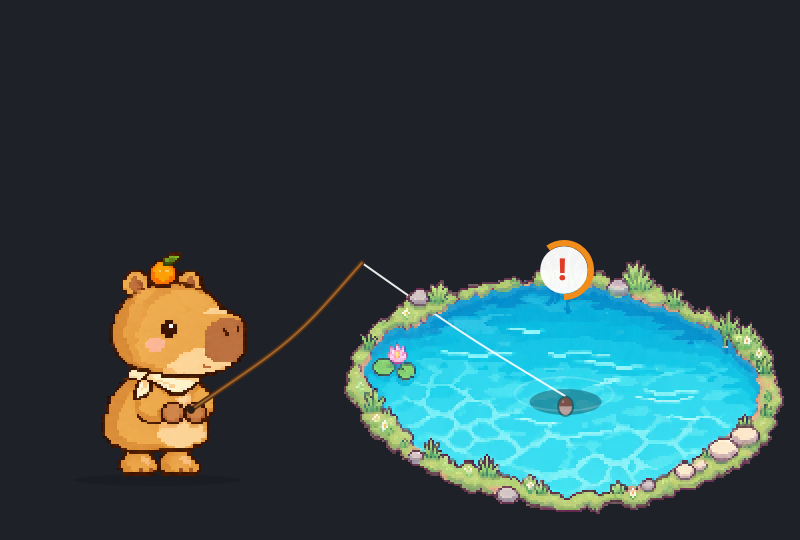
Auto hooks bites on its own. Semi-auto shows a ! — click the pet within 8 seconds.
03 · HIDE & NOTIFY
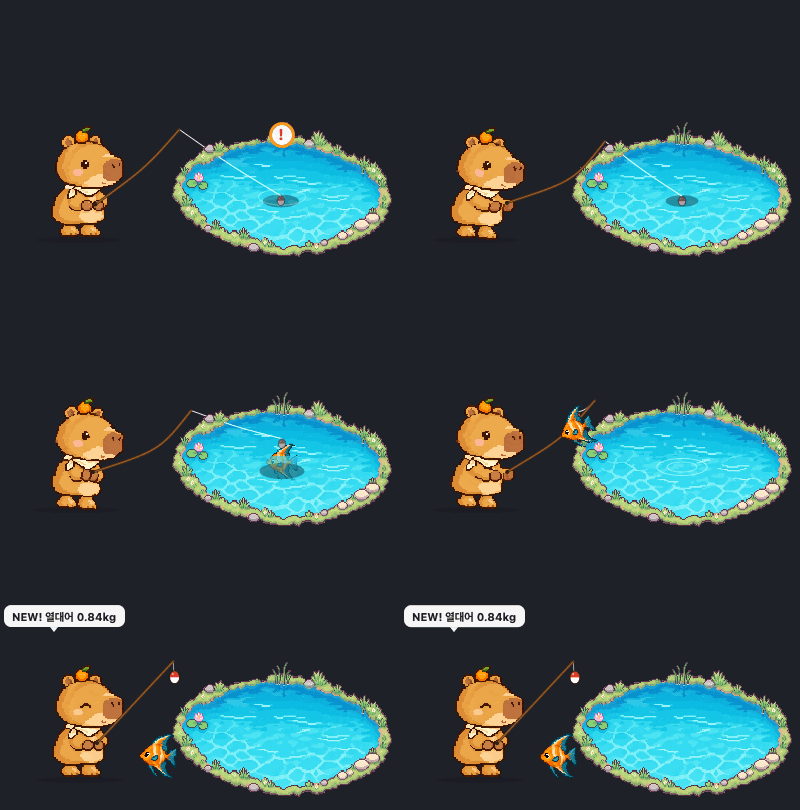
Bites arrive as macOS notifications. Click one and the pet reappears.
04 · JUNK HAPPENS
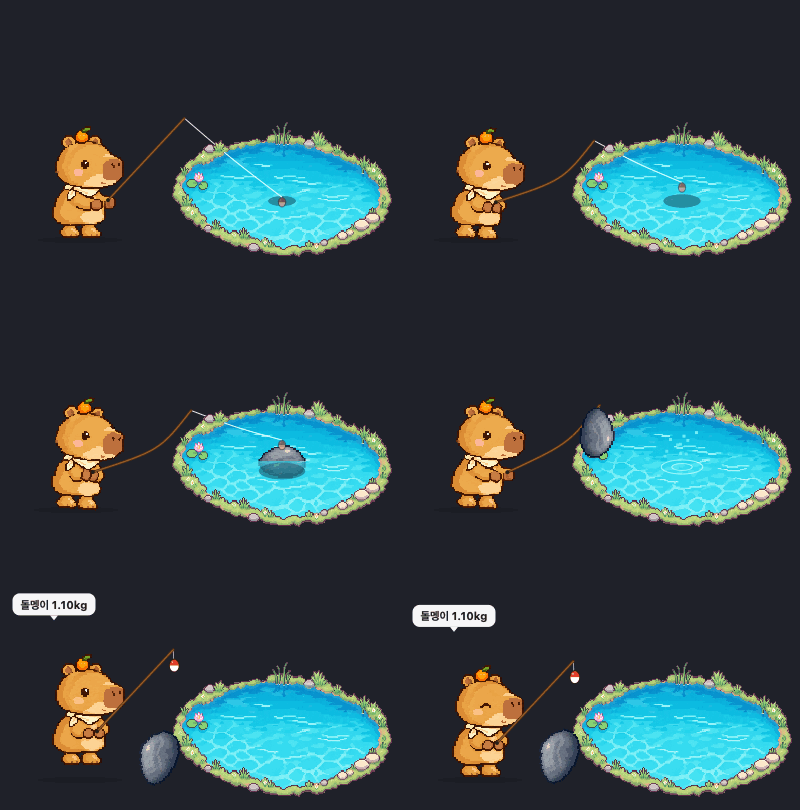
Boots and stones make it into the field guide too.
05 · AGENT MODE
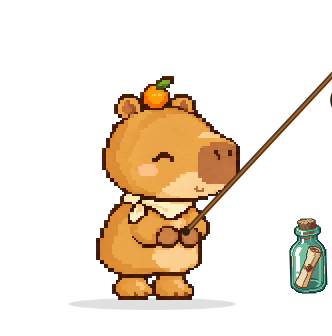
Send it a question and the line goes in. When the reply lands, it's a catch! — a message bottle with the first two lines of the reply. Connect with one click in settings.

06 · LITTLE HABITS
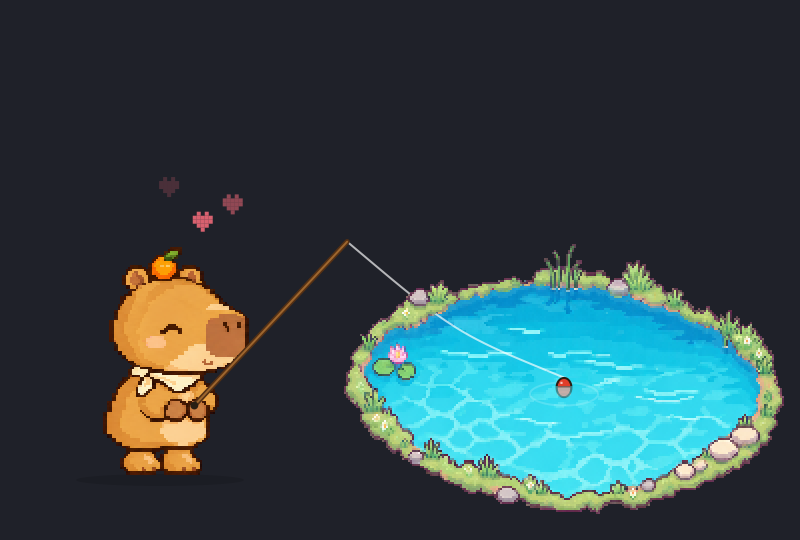
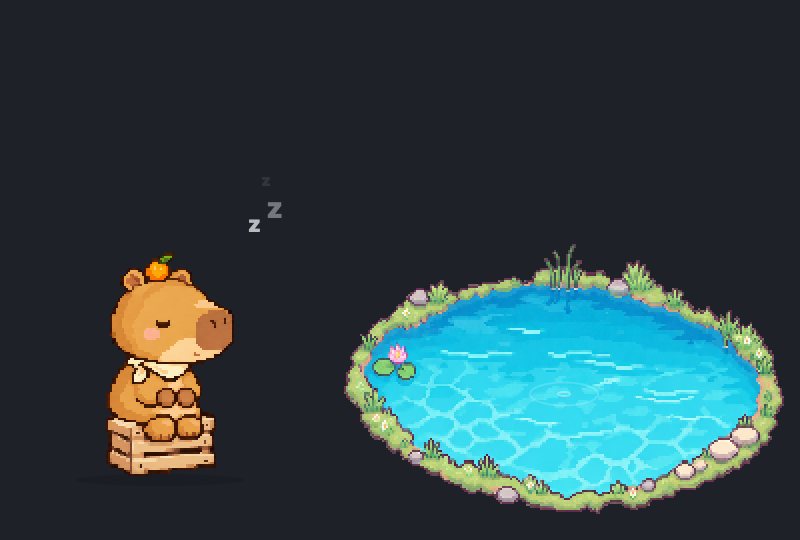
Petting draws a heart, dragging stretches it, a quiet minute means a nap. A "change the bait" reminder nudges you to rest too.
Set a time and message for a daily reminder. The app must be running; reminders missed while your Mac sleeps are not sent later.
Choose a break interval, or turn on a separate bobber-change reminder.
Pin a short note above your capybara. Add your name for fishing and break reminders.
CHOOSE YOUR CAPYBARA
Click an image in settings to switch instantly, and make it smaller or bigger on screen. Field guide, mode, and notification settings stay put.









THE LITTLE FIELD GUIDE
6 kinds of fish, 2 kinds of junk. Catch counts and best weights add up.
WHY CAPYBOBBER
Outside the pet, clicks pass straight to the app underneath.
No account needed. The hook sends only the start of the reply — never your code.
One pixel is one pixel. Barely touches the CPU.
GETTING STARTED
Drag it to whichever corner you like.
6 capybaras, 4 ponds.
Settings → Agent tab → Connect. Then switch to ✉️ Agent mode.
PRICING
No subscription. Every update after your purchase is included.
$4.90$6.90One-time · VAT included · USD
⌘macOS 14 Sonoma or later · Apple Silicon only
Checkout with Polar · $4.90Checkout with Polar · $6.90
Payment is handled by Polar Software Inc. as Merchant of Record; Polar appears on your receipt and card statement. The download link and license key arrive by email right after payment. As digital content, withdrawal is limited once the download starts or the key is activated. Refund policy (KO) · Terms (KO)
Already bought it? Open your purchases — sign in with a code sent to your purchase email to get the latest file and your license key.
FAQ
No. Auto mode handles everything on its own. Semi-auto only needs a click when it bites.
Fishing mode catches fish. Agent mode reels in replies from Claude Code, Codex, Cursor and more as message bottles instead.
A session id, project folder name, and the first 220 characters of the reply. Never your code. Claude Code, Codex, Cursor, Copilot CLI and Antigravity connect in one click; Kiro uses a copied config, and any other tool can run a copied command.
Yes. One license key works on any Mac you personally use. Paste the same key into the License tab of the app settings.
Yes, as often as you like. Open your purchases, sign in with a code sent to your purchase email, and the latest file and your license key are there.
No. Just enter your email at checkout. The same email gets you back into your purchases later.
Full refund within 7 days if you have not downloaded or activated the key. After that, withdrawal is limited because it is digital content. Try the browser demo above first. Details in the refund policy (KO).
Pay once, keep it. Every update included.